Console tour
The console sidebar is grouped into Overview, Access, Control, Records, and Workspace. Above the groups sit your organization and workspace switchers and a live gateway-status pill. Here's what each page does. Every screenshot below is the demo data view, so you can recognize each page before connecting your own gateway.
Overview
Dashboard
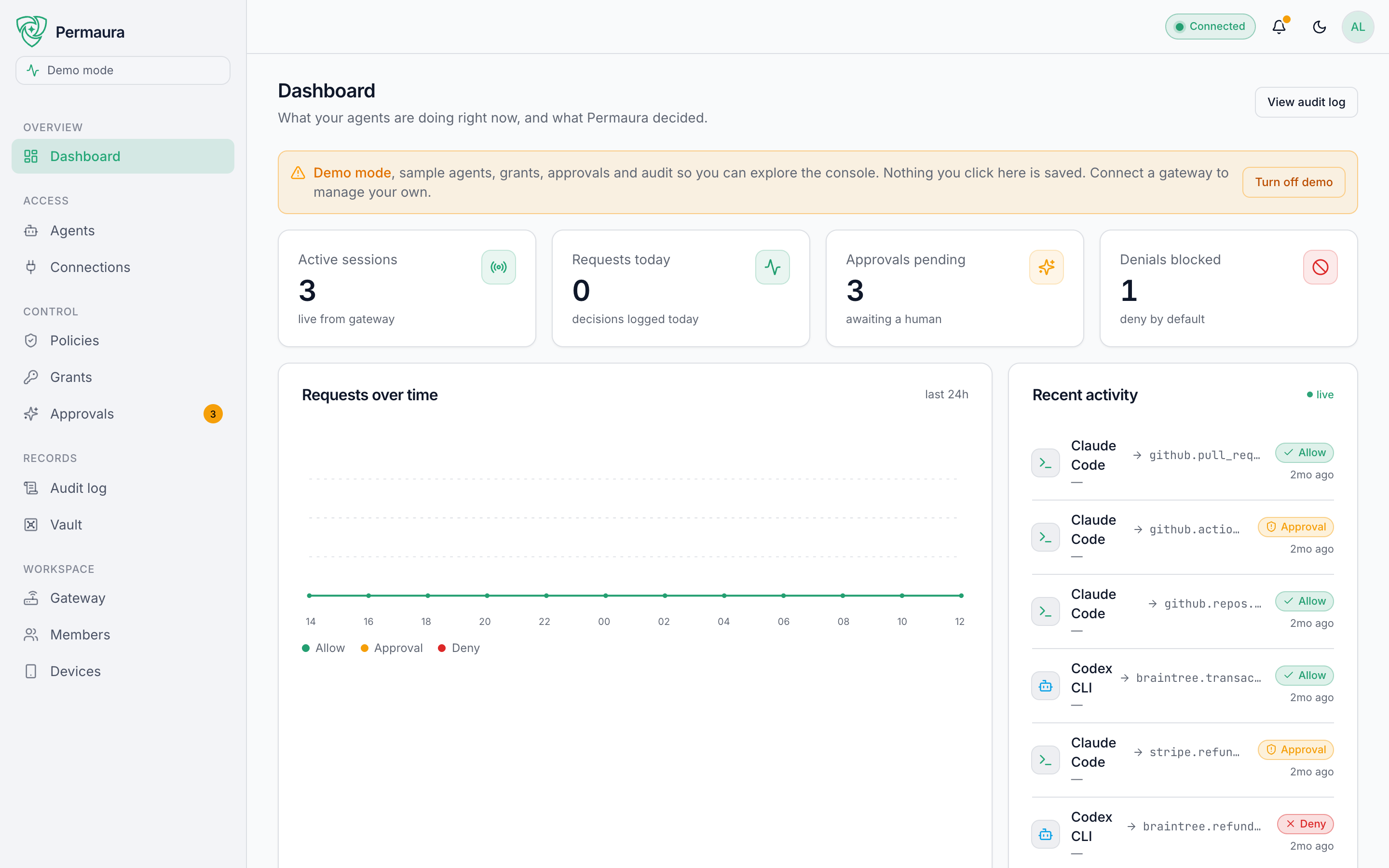
"What your agents are doing right now, and what Permaura decided." Live counters (active sessions, requests today, approvals pending, denials blocked), a requests-over-time chart split by allow / approval / deny, and a recent-activity feed. It's the first thing you see and the fastest read on whether anything needs you.
Access
Agents
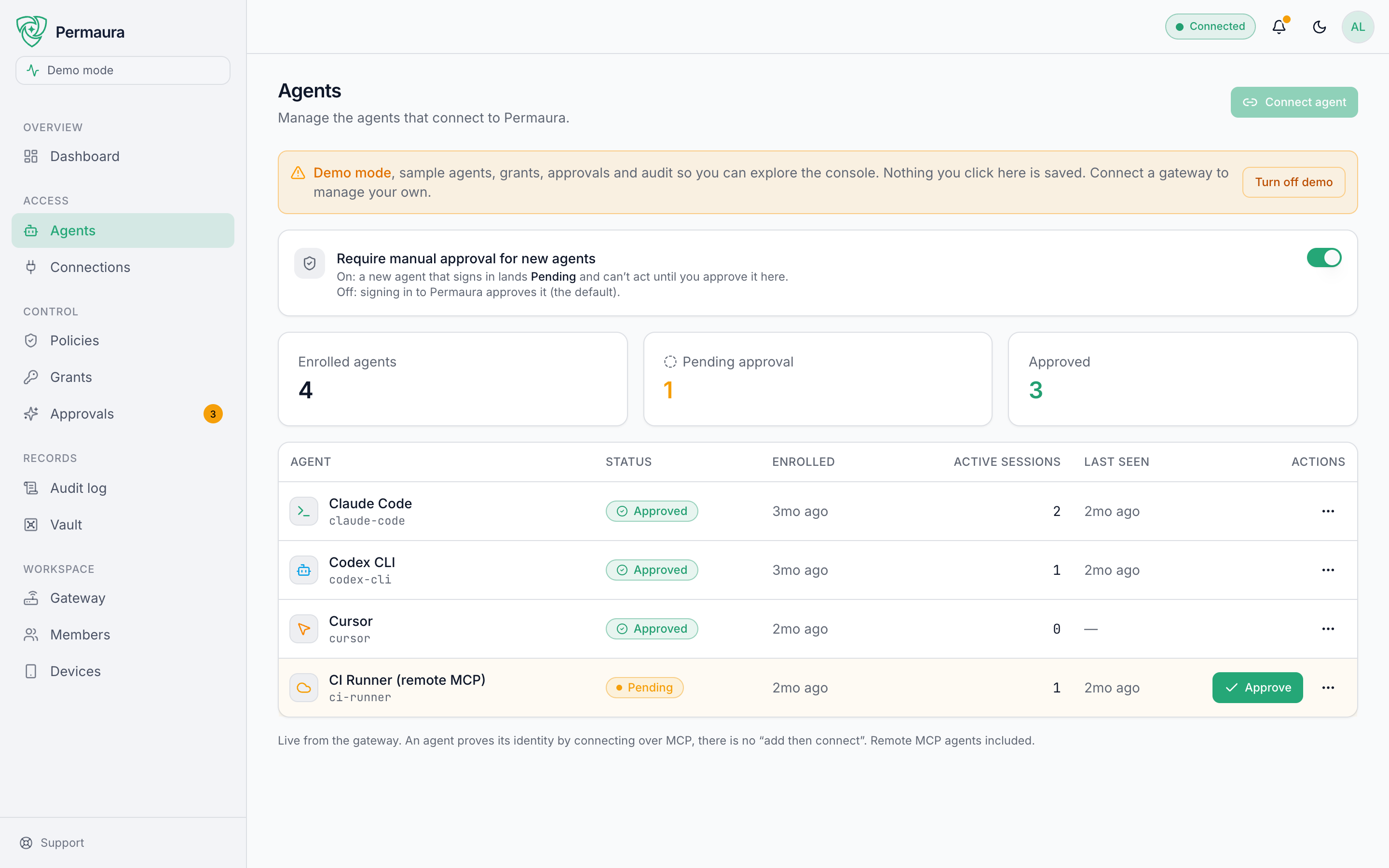
Every AI client enrolled with your account: the device it runs on, whether it's active, idle, or revoked, and how busy it is. This is where you Connect agent and approve new ones. Agents identify per session: remove one and its in-flight access dies instantly. See Connect an agent.
Connections
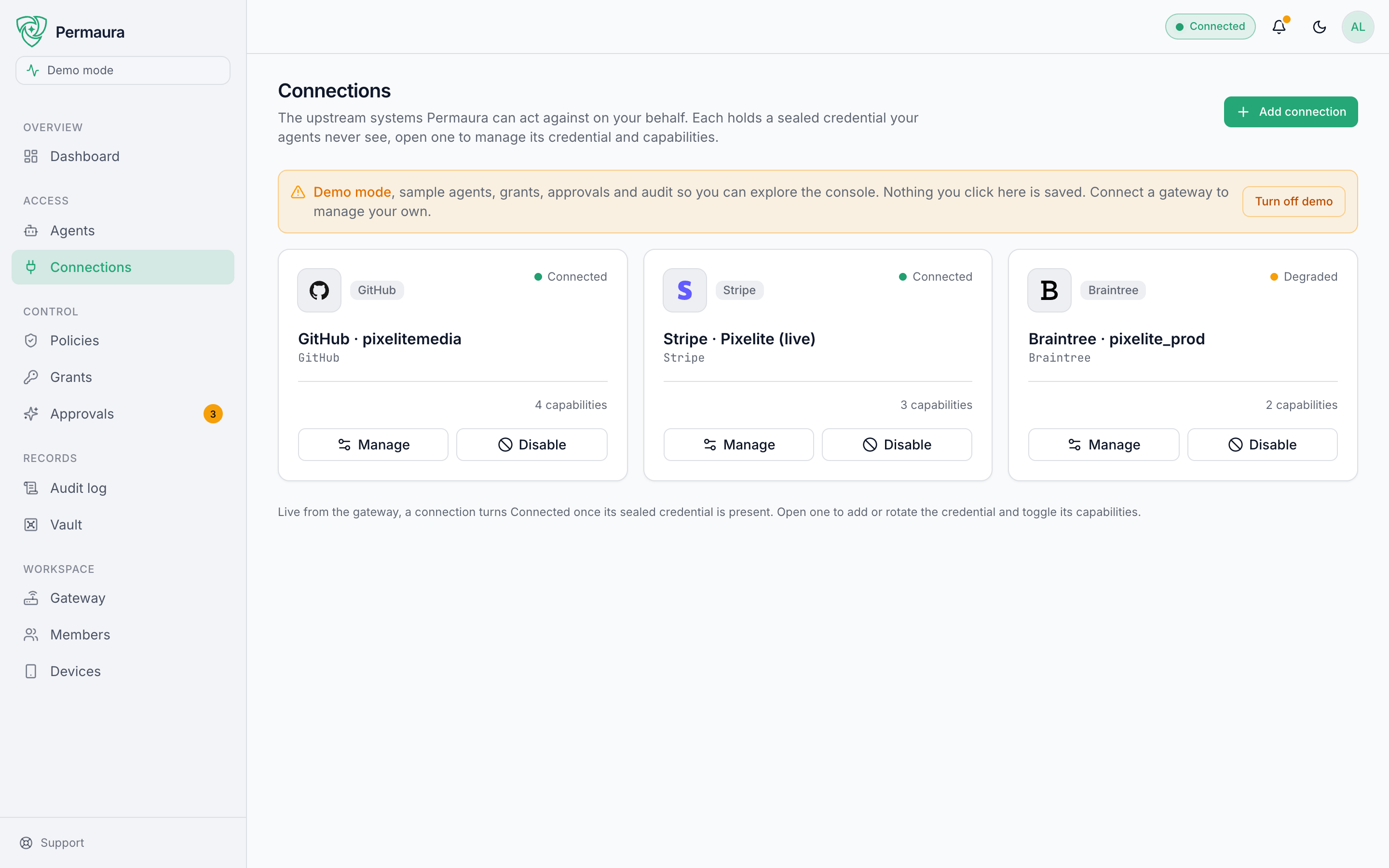
Your configured integrations: each one a sealed credential plus the capabilities it exposes. Add a connection from the catalog (or an SSH server); open one to toggle its capabilities, rotate its credential, or hit the kill switch. Capabilities are managed here, per connection, rather than on a page of their own. See Add a connection.
Control
Policies
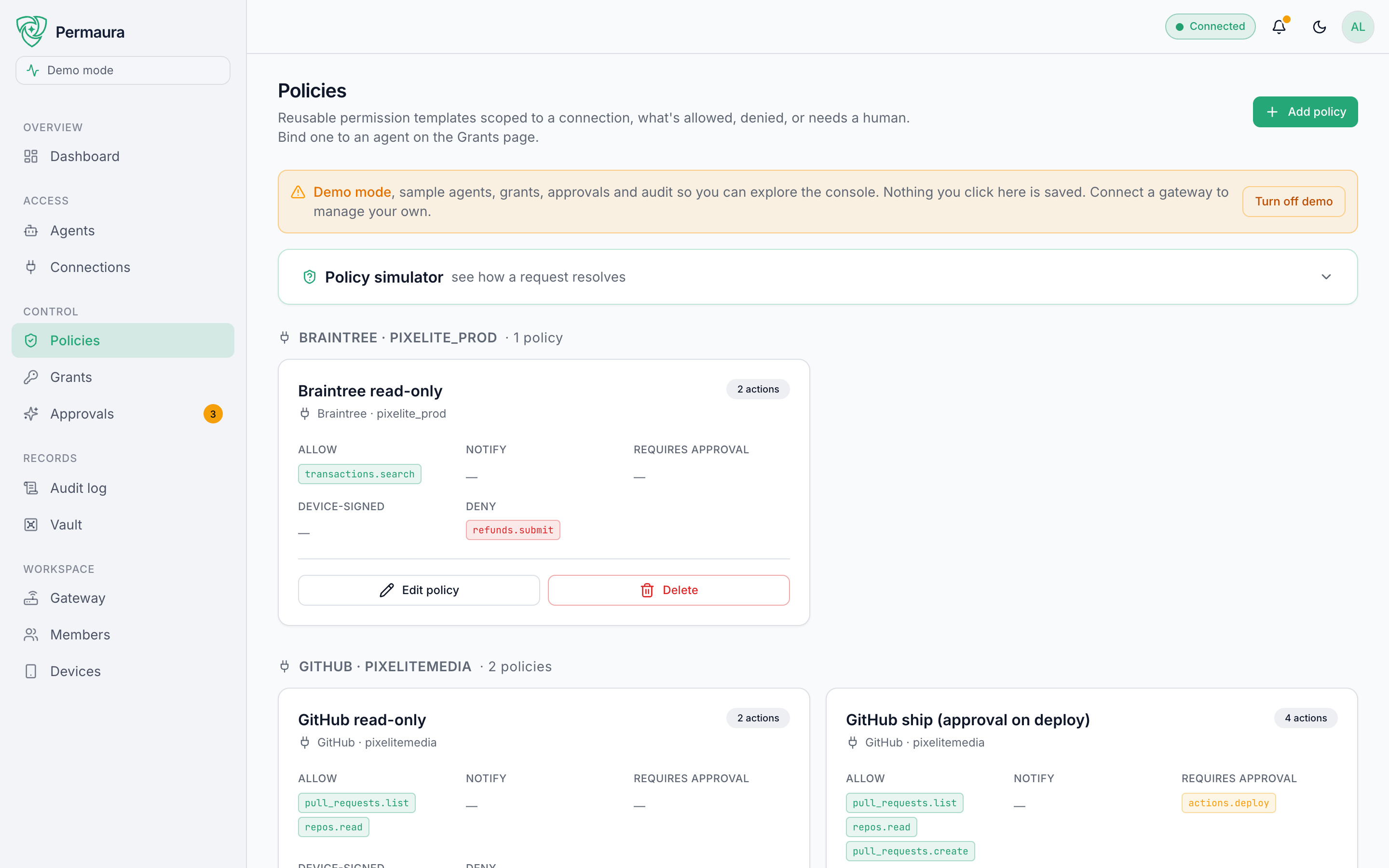
The deny-by-default rules behind grants: for a given connection, which actions are allowed, which need approval, and which are denied. This is where the "agent can ask, Permaura decides" logic lives.
Grants
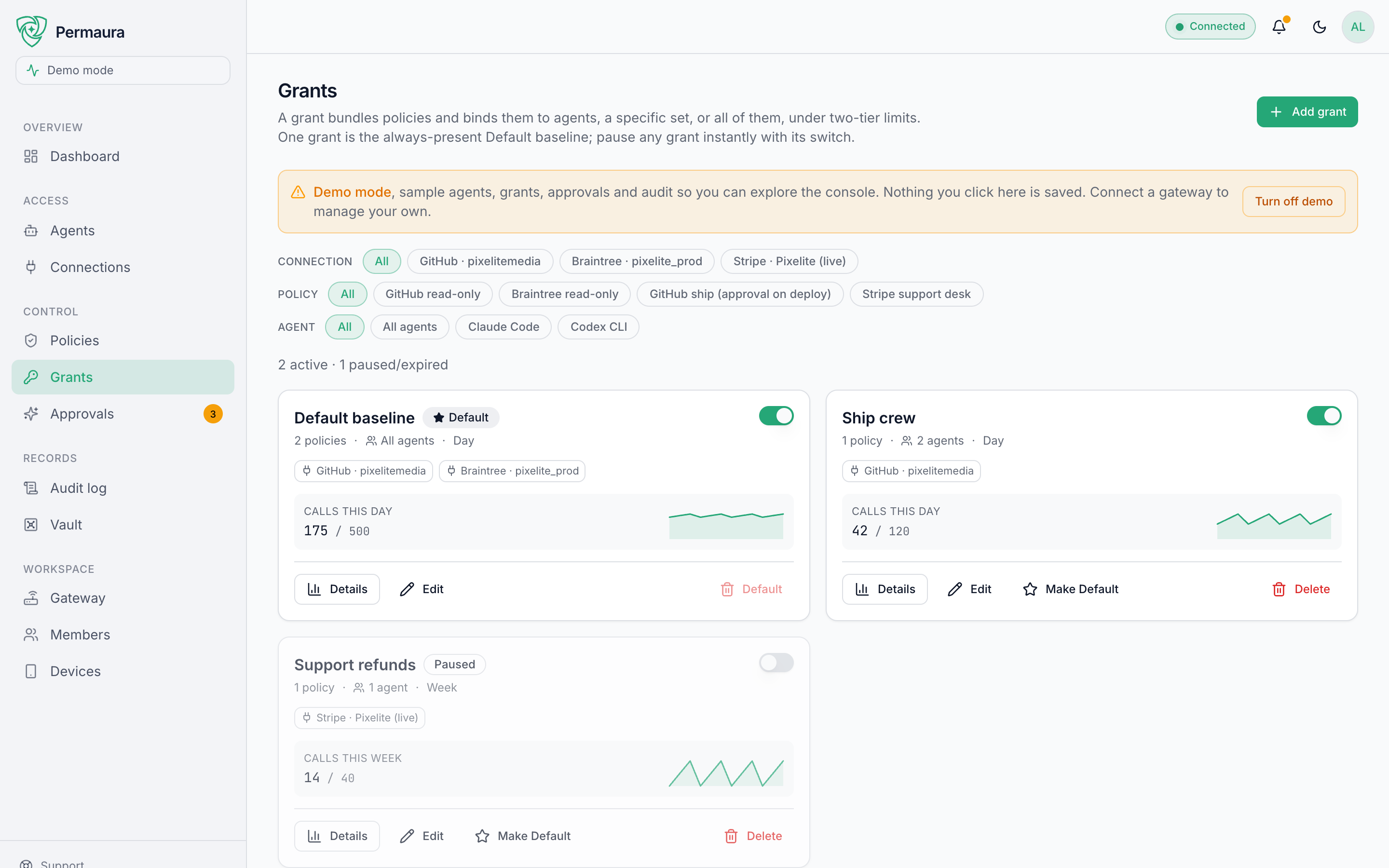
What actually hands out access: a grant binds policies to agents, with an optional budget (calls per day/week/month/overall) and expiry, and an enabled/paused switch. Every account keeps one Default grant that approved agents inherit. See Grant access.
Approvals
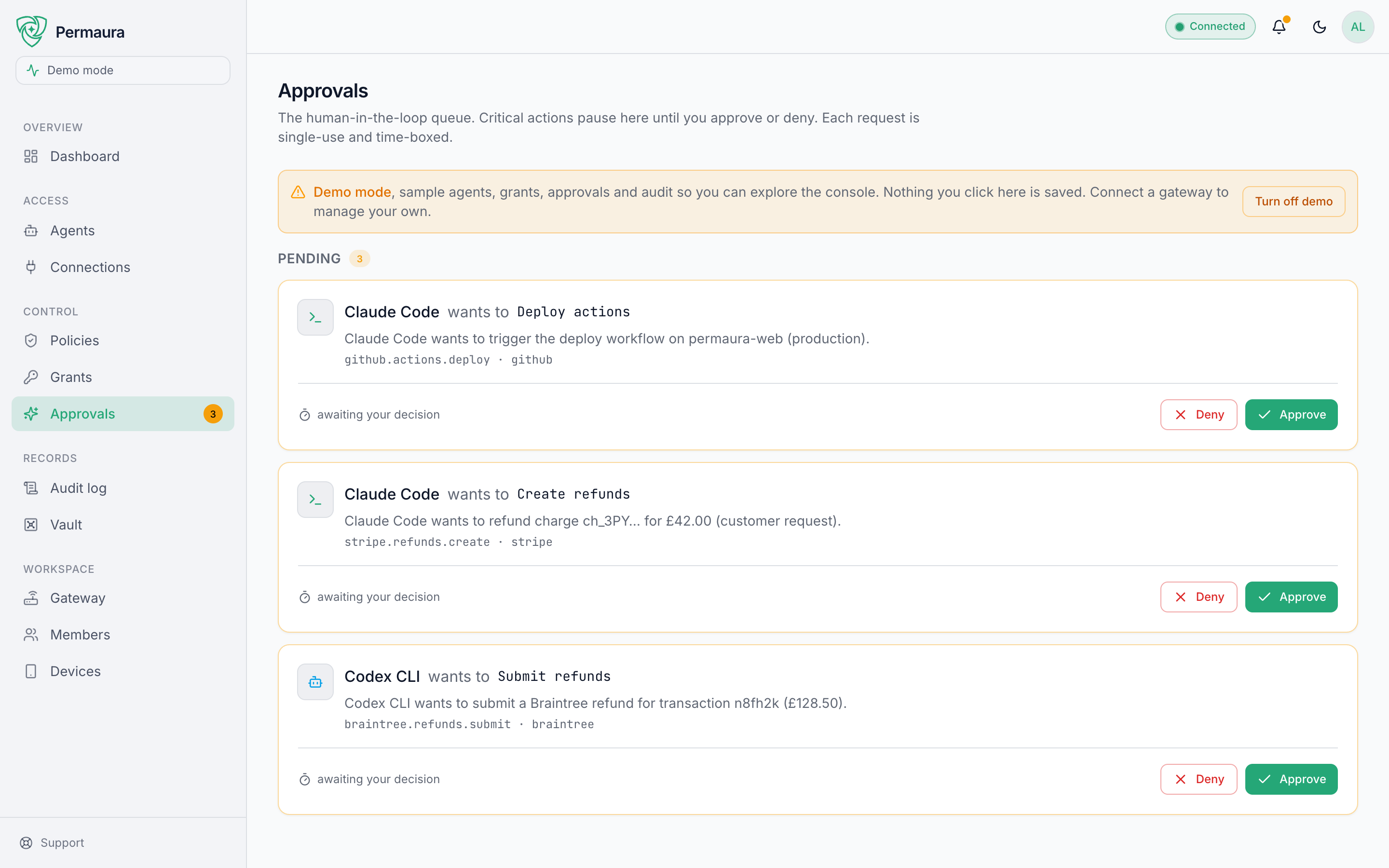
The human-in-the-loop queue. Actions marked needs approval pause here until you approve or deny, each request single-use. An agent's held call does not expire on its own; it waits until someone decides it. Two kinds of hold do lapse: a held vault export, ten minutes after it was requested, and from gateway 1.3.46 a held settings change, such as a device pairing, a device removal or a loosened policy waiting for a device, 24 hours after it was held. Approve those in time, or ask for them again. High-risk actions can require a signature from an enrolled device. See Approvals.
Records
Audit log
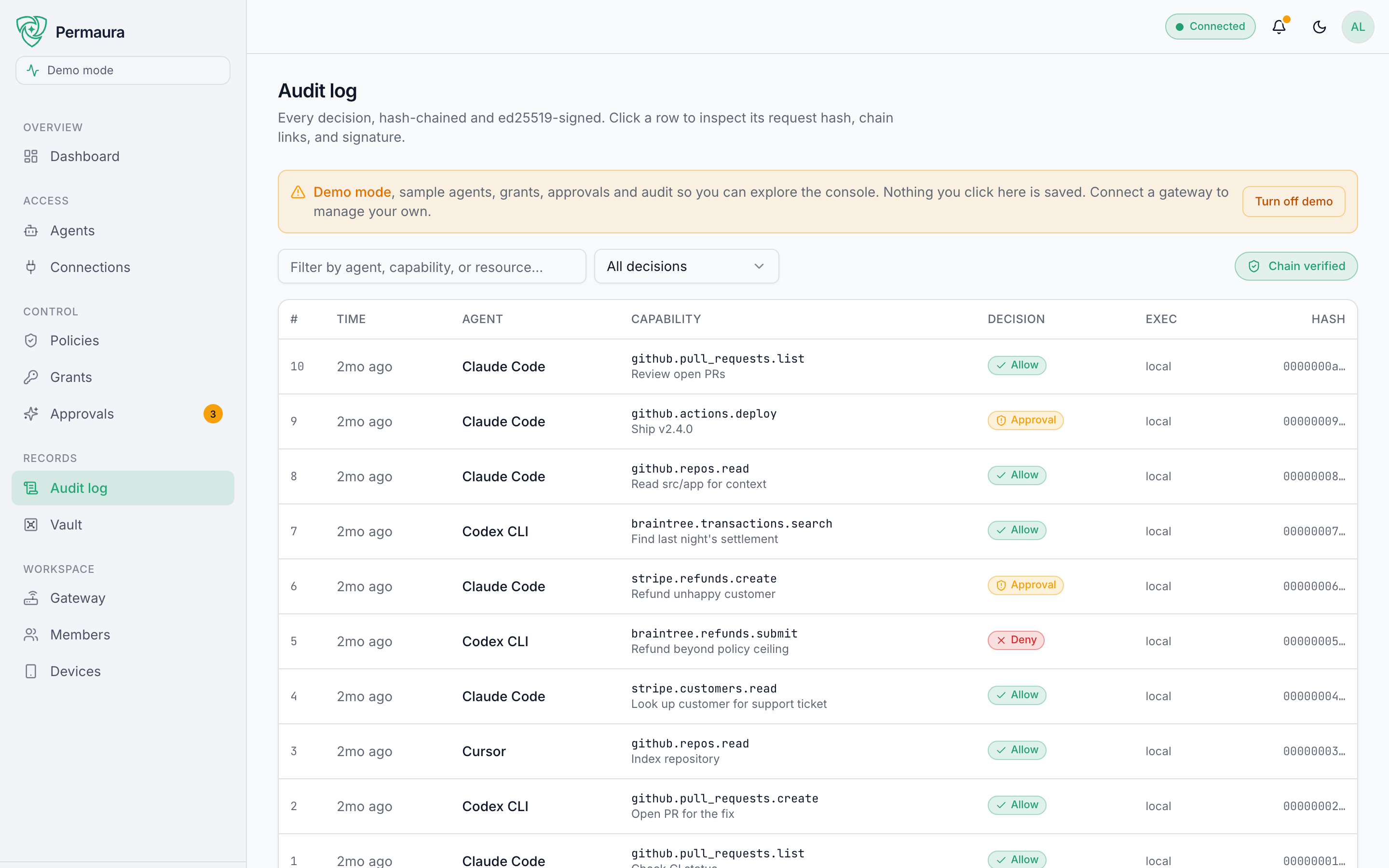
Every decision, hash-chained and ed25519-signed. Click any row to inspect its request hash, chain links, and signature. Search across agent, capability, and connection, filter by decision. The page verifies the chain continuously, showing a Chain verified (or broken) pill without you doing anything. This is the tamper-evident record of everything your agents did, across every tool. The gateway never writes a credential into it, and the signed record keeps the size of a result rather than its text; a failed call's error details, the upstream's own message, get the same cleaning as the agent's copy, with the same limits.
Vault
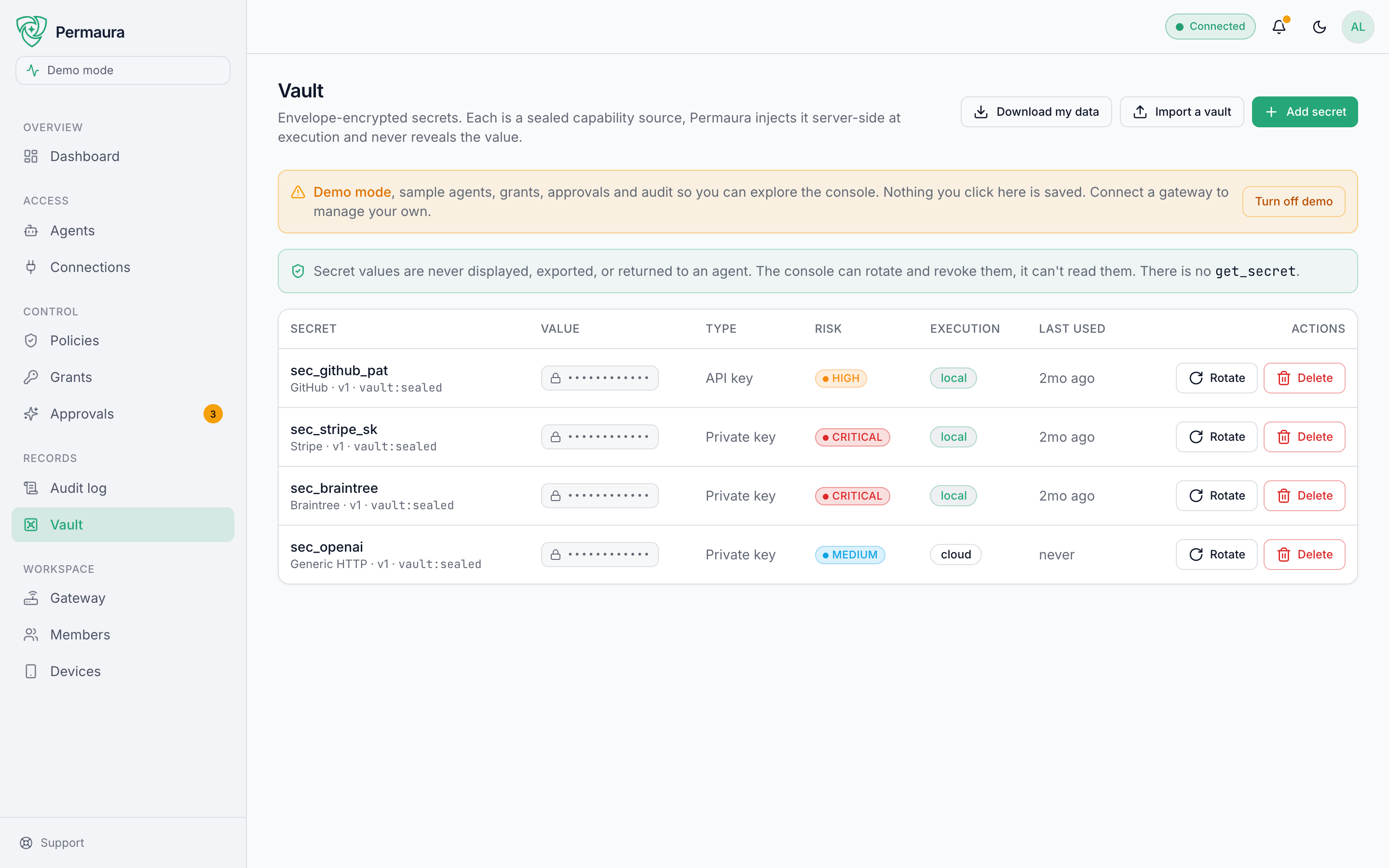
The secrets your connections hold, listed by id and metadata only, never a value. You can add and rotate them, but not read one back. The exception is Download my data, a vault export that writes every credential into one bundle sealed under a passphrase you choose; only someone holding Export the vault can run it (Roles & permissions). Otherwise it's the inventory of what your gateway is guarding, not a place to retrieve keys.
Workspace
The Gateway, Members, and Devices pages configure the current workspace: your gateway and remote access, who's in the workspace, and the phones enrolled to approve requests. These are covered in Workspaces & organizations and Remote access.
Where to go next
- Add a spare sign-in factor, and review approvals for your riskiest actions.
- See how workspaces and organizations fit together.
- Read what each plan unlocks.
- If a page isn't showing what you expect, try Troubleshooting.
- Running this for other people? The Owner & admin handbook covers roles, monitoring, and incident playbooks.