Step 4: Add a connection
A connection is one configured integration: GitHub as you, Stripe production, your company's WordPress site. It bundles a sealed credential with the actions it exposes, so an agent can act through it without ever seeing the key. (See the four objects.)
Add one
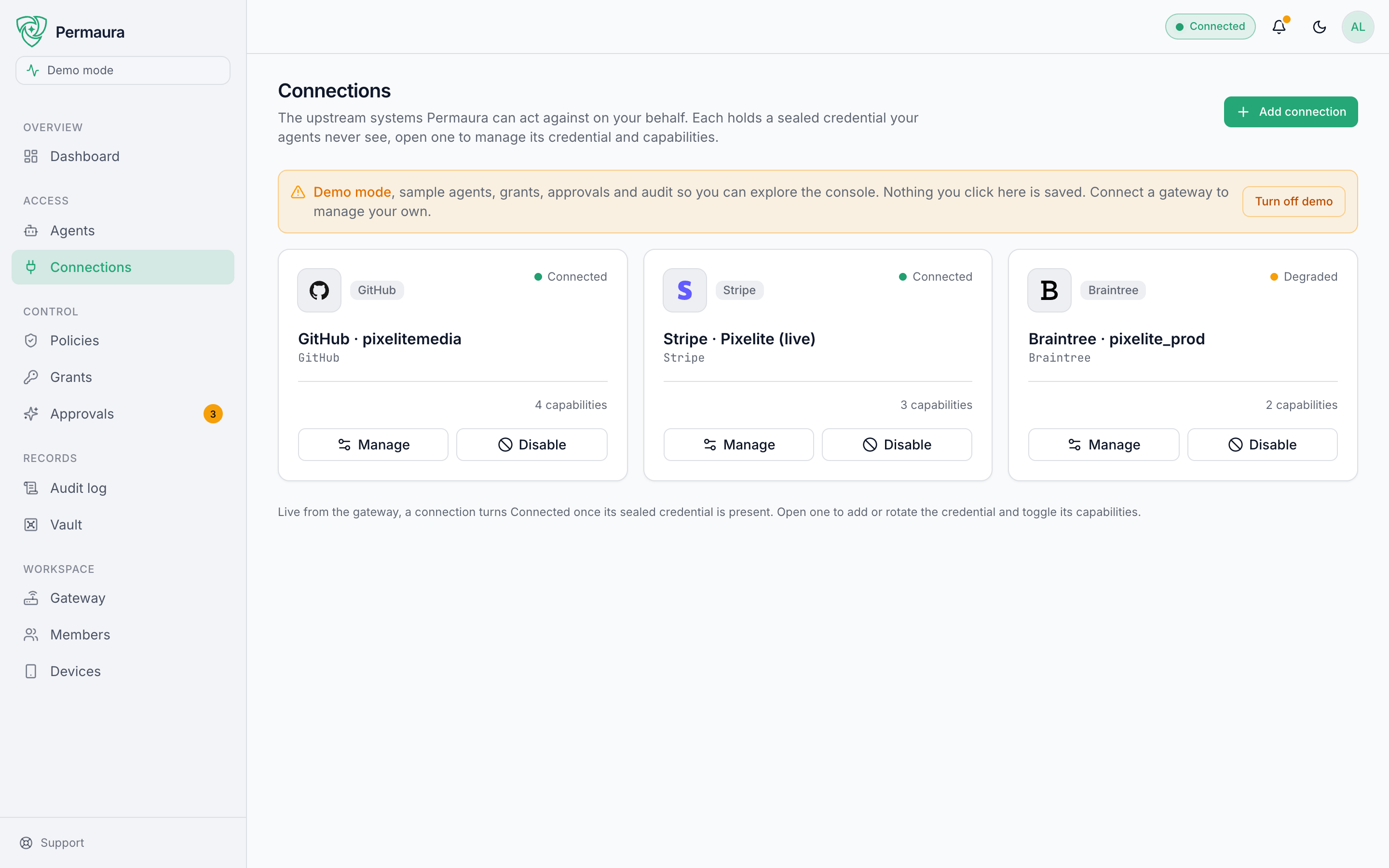
Open Access → Connections and choose Add connection:
- A catalog preset: a ready-made connector for a popular API, from the catalog your gateway ships with, listed in What's in the gateway today.
- An SSH server: run allow-listed commands and move files on a host you own; see Connecting via SSH.
- Connect your own: give the address of a WordPress site or of an API that publishes an OpenAPI document, and your gateway reads what it offers. You review every capability it would create before anything is stored, and writes arrive switched off.
- Coming next: GraphQL APIs, MCP servers as a connection, and generic HTTP connections with an endpoint allowlist (the last already works over the gateway's REST API).
Give it a credential
Every connection needs exactly one credential, and you supply it once, at creation. It's sealed on your gateway and never displayed again. You can rotate or replace it, but not read it back.
- API key
- OAuth
API key
Paste the API key, token, or secret the integration issued you. It's encrypted and stored on your gateway; from then on Permaura injects it server-side for each approved call, never hands it to the agent, and redacts responses before the agent sees them.
Best when the integration hands out long-lived keys, or you just want the simplest path.
OAuth
For integrations that issue no API key (Gmail and Microsoft Graph among the connectors in the gateway today), you connect with your own OAuth app instead. You register one with the provider, hand your gateway its client id and secret, and approve once in a browser. From then on your gateway holds the refresh token and mints access tokens itself, indefinitely.
This is the only OAuth path Permaura implements today. Your client secret and both tokens are sealed on your gateway, and permaura.com is not part of the exchange and never sees any of it. With a local or tunneled gateway they stay on your machine, unless an owner, or someone an owner has allowed, takes them out in a vault export. A hosted gateway is a worker Permaura runs, so there they are sealed on our infrastructure, its encrypted backups included, which is inside the trust boundary: not zero-knowledge.
Requires gateway 1.1.0 or later. The console's Add connection dialog cannot run the flow yet: the OAuth option it shows still reports itself as rolling out. Until it lands, create the connection and authorize it with two calls against your own gateway; each connector's page has the exact commands for that provider.
Two OAuth custody models are specified but not built: a Managed layer where Permaura holds the refresh token for you, and PKCE against a Permaura-registered app. Neither is available, and no plan currently caps OAuth connections.
Choose its capabilities
A connection exposes a list of capabilities: the actions an agent could take through it, like github.pull_requests.create or stripe.refunds.create. Enable only the ones you want available. A disabled capability can't be used by anyone, regardless of policy.
The kill switch
Every connection has a disable switch. Flip it and every call through that connection is refused instantly, across every agent and grant, with no need to unpick individual permissions. Re-enable it just as easily. It's the fastest way to stop something in its tracks.
Adding a connection makes actions possible, not permitted. An agent still can't touch it until a grant allows it. That's the next step.
➡️ Continue to Step 5: Connect an agent.